


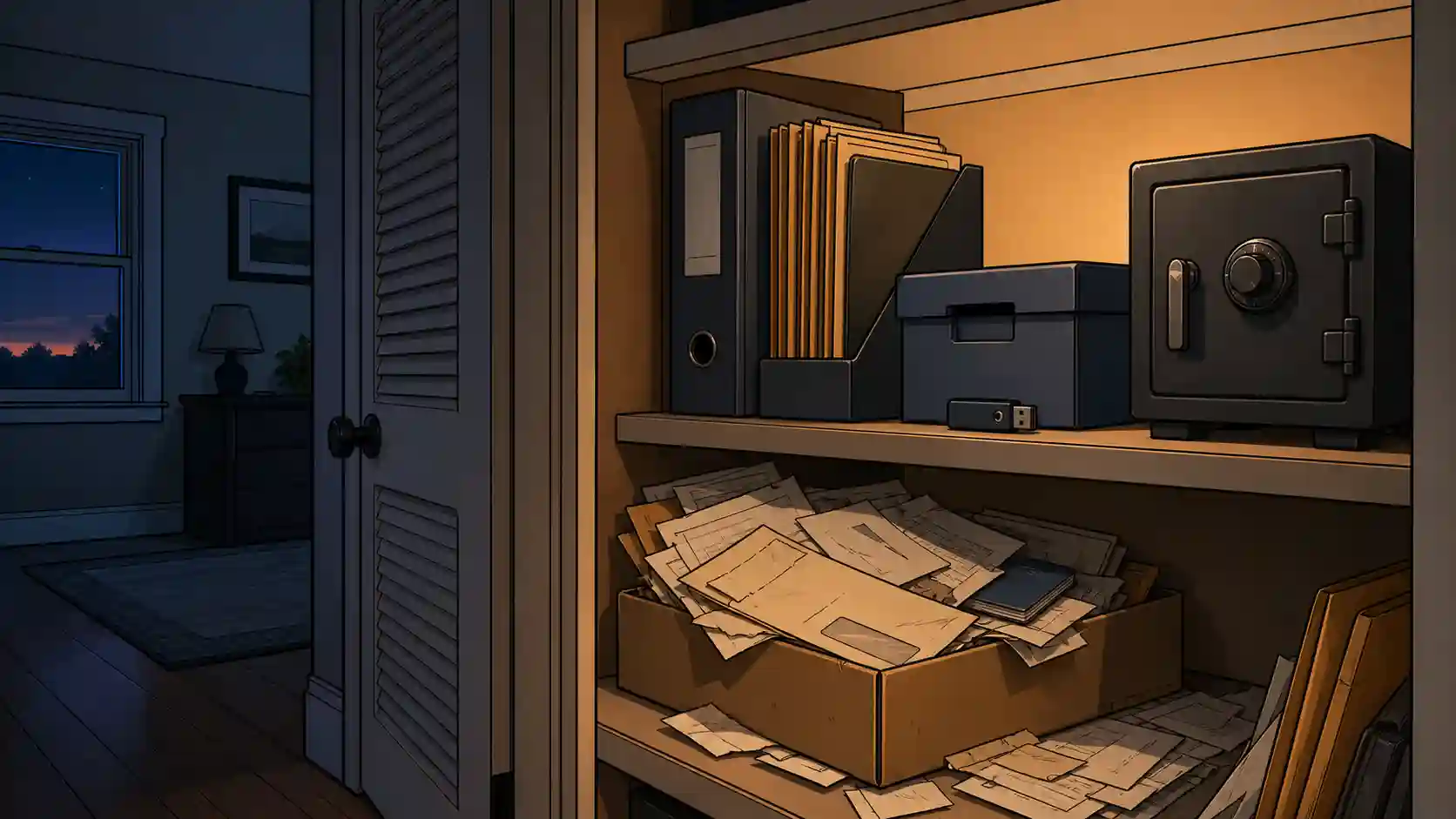
Imagine a scenario for a minute. Your house is on fire, burning to the ground. You, your family and pets are all safe, but you escaped with nothing but the clothes on your back. Your neighbor called 911 for you and while you wait for the firetrucks to arrive, you begin to think about what to do next. In that moment, you realize that you don’t have a contact at your insurance company or your policy number. You don’t have any identification or way to pay for a hotel that night. Without your phones, you don’t even know the numbers of friends or relatives to call for help. Unfortunately, this is a too-common scenario and you can’t let it happen to you.
High Need but Easy and Free
A house fire is just one of many scenarios where you could lose access to all the key information about your life. Looking through the list of potential threats, nearly all could have this effect depending on the circumstances. As a result, this should rank as one of the most important preparations you should do.
The sad thing about this preparation is that we’re without excuse for not doing it. It’s easy and free, so there’s no good reason not to make this your next preparation.
The 3-2-1 Rule
In data security, there’s a general rule used to govern how you set up redundancy, backups, etc. and it’s commonly referred as the 3-2-1 rule:
- 3 Copies — All important files should have at least three copies in existence.
- 2 Different Systems/Media — These copies should be across two different systems or types of media (print and digital for instance).
- 1 Off-Site Backup — At least one copy should be at another physical location.
Now, you can exceed these rules, but they’re viewed as the minimum. I recommend applying them to the subject of documents & records.
How To
As I said above, the process is easy. Follow these basic steps, and you’ll be done:
-
Gather every important document you can think of. This includes, but isn’t limited to:
- Contact Info and Account Numbers:
- Friend/Family Phone and E-mails
- Banks
- Credit Cards
- Insurance Agency
- Identification
- Driver’s Licenses
- Birth Certificates
- Social Security Cards
- Passports
- Ownership Records
- Car Titles
- Property Deeds
- Legal Documents
- Marriage License
- Name Change Documents
- Living Trust
- Will
- Business Incorporation
- Insurance Policies
- Financial
- Recent Bank Statements
- Investment Portfolio Statements
- Tax Returns
- Crypto Wallet Keys
- Medical
- Insurance Cards
- Prescription Medicine Lists
- Key Medical Records
- Preparedness
- Inventories (food, etc.)
- Contact Info and Account Numbers:
-
Scan them all into a computer. If you don’t have a scanner, you probably have a friend or family member that does. Name the files so that they’re easy to understand and find when needed.
-
Print a copy of them all. This printed copy should go into a printed binder. For more information on our recommendations about binders, see this additional article. If worried about this information falling into the wrong hands, place the binder inside a safe, or bury it in the backyard. I keep mine close at hand so that it’s one of the things I would grab if I had to leave suddenly (like in a house fire).
-
Copy the digital files onto a flash drive. This becomes a second media type. If you want it more secure, I recommend the DataLocker encrypted devices as I have direct experience with them. Kingston Ironkey devices are a cheaper alternative that is supposed to be good, but I don’t have direct experience with them.
-
Figure out what your second locations will be and distribute accordingly. Here are a couple ideas for other locations:
- Friends or family
- Safety Deposit Box (just remember this will require ID to access it)
-
Maintain it - periodically, update all the copies with the most up-to-date information.
Additionally, we offer a solution as part of our subscription service that will serve as both another location and media. Within our tools, we offer a Digital Binder that is an encrypted repository for any information like this that you would want to save. It also syncs with our other tools to save & secure your preparedness plans.
Along with your documents & records, these flash drives are the perfect place to include backups of other key things that you probably want to preserve:
- Photos/Videos of all possessions for insurance purposes
- Family photos, etc.
- Online login username/passwords
- Other confidential information you’re afraid of losing
Bottom Line
Don’t wait until disaster strikes to do something. Take time out of your day and make backing up your documents and records the next preparedness action you take.